NodeJS
This content is for v0.3. Switch to the latest version for up-to-date documentation.
With this command you can change the currently active NodeJS version.
Show the current NodeJS Version
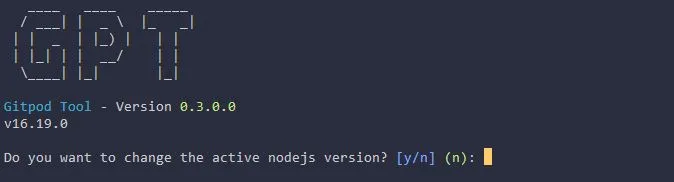
Section titled “Show the current NodeJS Version”With the command webdev nodejs version you can see the current NodeJS Version.
Selecting a NodeJS Version
Section titled “Selecting a NodeJS Version”With the same command as above, webdev nodejs version, you can not only see the current active version but also you will get asked if you want to change it. Answer the question with y and the following list will be shown:
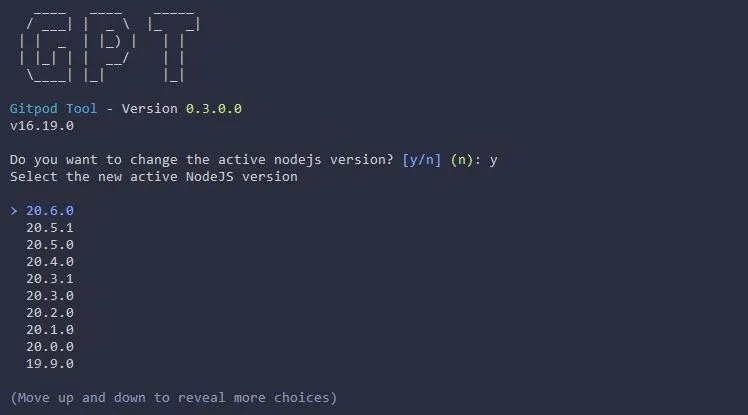
Use the arrow keys to select the new version and press enter. GPT will now switch to the new version. Additionally it will be saved in the .webdev.yml file and will be used the next time you start the workspace.